Shopify Blog Infinite Scroll: Load More Without Losing SEO
Add infinite scroll or a Load more button to a Shopify blog, keep page links for Google, and pick the one that suits your readers.
 Marti BeleguSenior Developer · Founder of Filter My BlogPublished Updated 3 min read
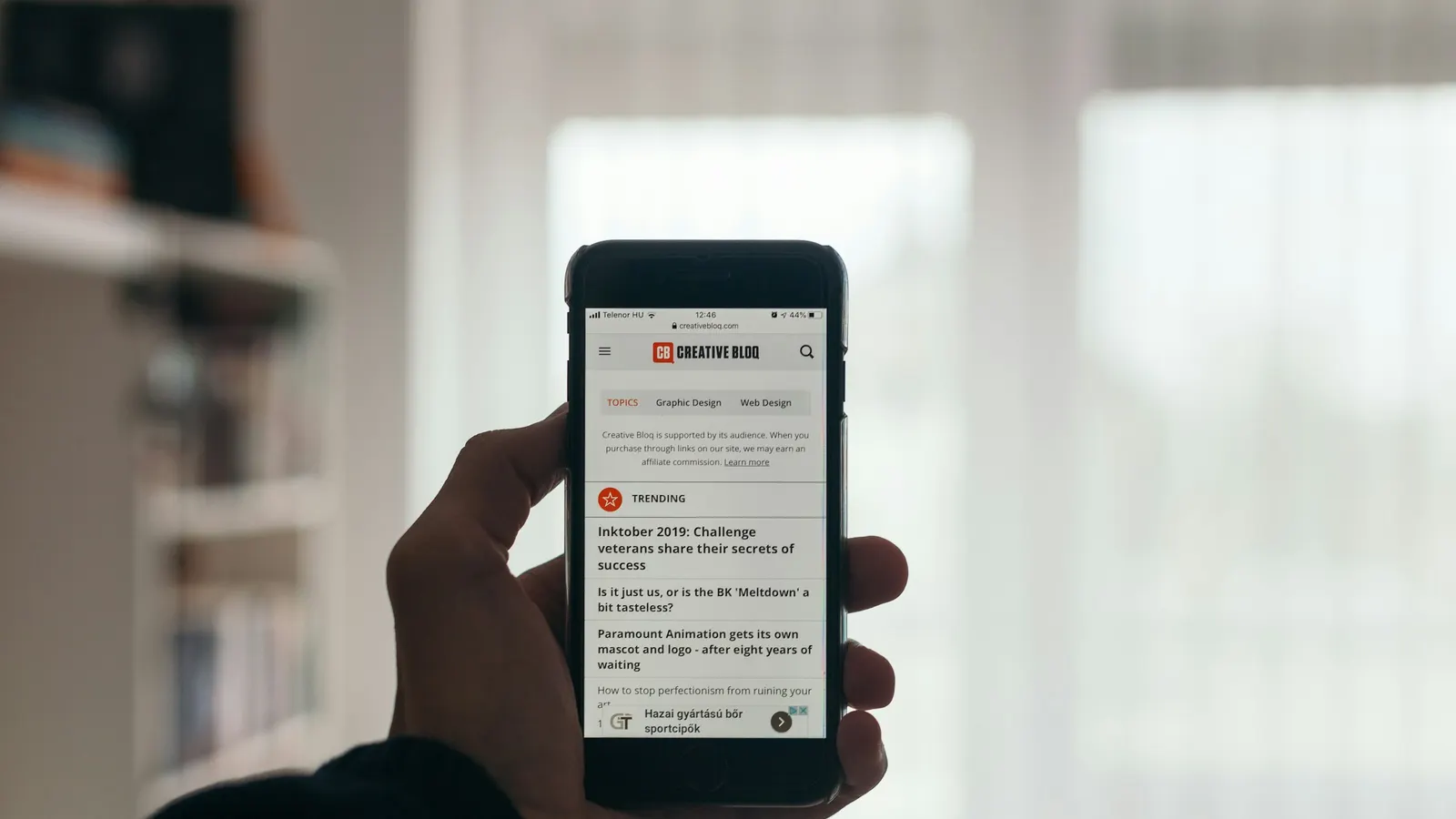
Shopify blogs come in numbered pages, and there's no setting for infinite scroll. To add it, fetch the next page with JavaScript and append its posts, or use an app. Either way, keep the numbered page links in the HTML: search engines don't scroll, so those links are how they reach your older posts.
This post compares infinite scroll, a Load more button and plain pages, shows how each works on Shopify, and covers the SEO rule that matters most.
Does Shopify support infinite scroll on blogs?
Not natively. Themes wrap the blog in Liquid's paginate tag, which splits posts into pages at /blogs/news?page=2, ?page=3 and so on. The theme editor lets you change how many posts appear per page in some themes, but not how readers move between them.
Horizon is the exception, the wrong way round: it doesn't paginate at all, and stops at 50 posts. Horizon theme blog only shows 50 posts has the fix.
Infinite scroll or Load more: which is better for a blog?
| Numbered pages | Load more button | Infinite scroll | |
|---|---|---|---|
| Reader controls when more loads | Yes | Yes | No |
| Footer stays reachable | Yes | Yes | Hard |
| Easy to return to a spot | Yes | Mostly | Hard |
| Feels quick on a phone | No | Yes | Yes |
| Good for | Archives, recipe indexes | Most blogs | Short, visual posts |
My default for a store blog is Load more. Readers who want more ask for it, and the ones looking for your shipping policy in the footer can still get there.
How does infinite scroll work on a Shopify blog?
Every version, hand-written or from an app, follows the same steps:
- Find the link to the next page (
?page=2) in the current page. - Fetch that page, ideally only the blog section, with the Section Rendering API (
?section_id=). - Pull the article cards out of the response and append them to the grid.
- Update the next-page link, and stop when there isn't one.
- For infinite scroll, trigger step 2 with an
IntersectionObservernear the end of the grid instead of a button.
The pitfalls are in the details. Themes mark up cards differently, so the selector that finds a card in Dawn won't find one in Horizon, and the script has to stop cleanly on the last page. Filter a Shopify blog without a page reload walks through the same API for tag filtering.
How do I keep infinite scroll SEO-friendly?
Google's guidance is direct: it doesn't scroll or click "Load more" to find content. So:
- Keep the page links in the HTML. Hide them with JavaScript once the script is running, not in the Liquid. A crawler that doesn't run your script still sees
?page=2. - Keep each page a real URL.
/blogs/news?page=3should load page 3 on its own, which it does on any paginated theme. - Don't load everything at once. A single page with every post is slow, and it hides how your blog is organised.
Get these right and infinite scroll changes nothing about how your blog is indexed. The Shopify blog SEO checklist has the other checks.
What's the no-code way to add Load more?
Filter My Blog has Load more and infinite scroll on every plan, including free. Choose it in the Browsing step of the app's Design page.
- The added posts are your theme's own cards, fetched from its own next page, so they match the rest of the blog.
- The numbered links stay in the HTML for search engines; the app hides them only once it's running.
- It works on tag pages too, loading that tag's next page.
Setup is in Load more and infinite scroll. Paid plans add sorting and search on top; the pricing page has the details.
When should I keep numbered pages?
Keep them when readers come back to find something specific: a recipe index, a long how-to archive, a changelog. Page numbers give them a landmark ("it was on page 4"). For those blogs, a tag filter often helps more than any scrolling, because it shortens the list. How to filter Shopify blog posts by tag shows a free way to add one.
Frequently asked questions
Does Shopify have infinite scroll for blogs?
No. Shopify themes such as Dawn split a blog into numbered pages, and there's no setting to change that. Infinite scroll or a Load more button needs a theme edit with JavaScript or an app.
Is infinite scroll bad for SEO?
Only if it replaces page links. Search engines don't scroll, so older posts must stay reachable through real ?page=2 links in the HTML. Keep those links and infinite scroll is safe.
Should I use infinite scroll or a Load more button?
For most blogs, Load more. Readers stay in control, the footer stays reachable, and it's easier to come back to a spot. Infinite scroll suits short, visual posts read on phones.
Can I add a Load more button to Shopify for free?
Yes. You can write one with the Section Rendering API, or use Filter My Blog, whose free plan includes both Load more and infinite scroll using your theme's own article cards.