New in Filter My Blog: Related Posts, SEO Tag Pages and More
Related posts and load more are free. Plus makes tag pages rank. Pro adds post stats, a tag manager, and we set it up for you.
 Marti BeleguSenior Developer · Founder of Filter My BlogPublished Updated 4 min read
Free now adds related posts under every article and a load more button or infinite scroll. Plus gives every tag page its own title, description and intro so it can rank, plus reading time, contents and sorting. Pro shows what readers do on every post, fixes tags in bulk, and comes with setup done for you. Prices don't change.
This is the biggest update since launch. Here's what each plan gets, and why.
Free: keep readers reading
Most blog visitors land on one post from search, read it, and leave. Two free features change what happens at the end of that post and the end of your blog page.
- Related posts. A "More on this topic" block at the end of each article, picked from the tags it shares with the rest of the blog. A rare shared tag counts for more than a common one, so a post about sourdough leads to sourdough, not to everything tagged "recipes". Allow the app to save the lists on your articles and it works them out each night across your whole blog, so they load as plain links; until then it picks from your 50 newest posts. How related posts are picked.
- Load more or infinite scroll. Instead of page 1, page 2, readers add the next page below the one they're on, with a button or as they scroll. The posts are your theme's own cards, and the numbered links stay in the HTML for search engines. Load more and infinite scroll.
Both sit beside the free filter you already have: every blog, every tag, every style.
Plus: tag pages that rank
Every tag on a Shopify blog has a page, /blogs/news/tagged/vegan, and Shopify gives it no title, description or text of its own. So those pages look thin and rarely rank, even though "vegan recipes" is exactly what people search for.
On Plus you write a title, meta description and intro for each tag on the app's new SEO page, and set a pattern for the rest. The intro sits above your filter in the page's HTML. The text is kept as metaobjects in your own store, so you can edit it in Shopify too. Tag pages that rank.
Plus also adds three things to posts and the blog page:
- Reading time: "6 min read", counted from the post's words.
- A table of contents built from the post's H2 and H3 headings.
- A Sort by menu: newest, oldest or most popular. Shopify has no way to sort a blog, so the app keeps the order and lays out your theme's cards in it. Sorting posts.
Search, multi-select, manual tag order and your own wording are still part of Plus, at $7.99 a month.
Pro: see what every post does
Pro was the tag and search report. It now covers the whole blog: which posts get read, where readers go next, and the tidy-up jobs that take hours by hand.
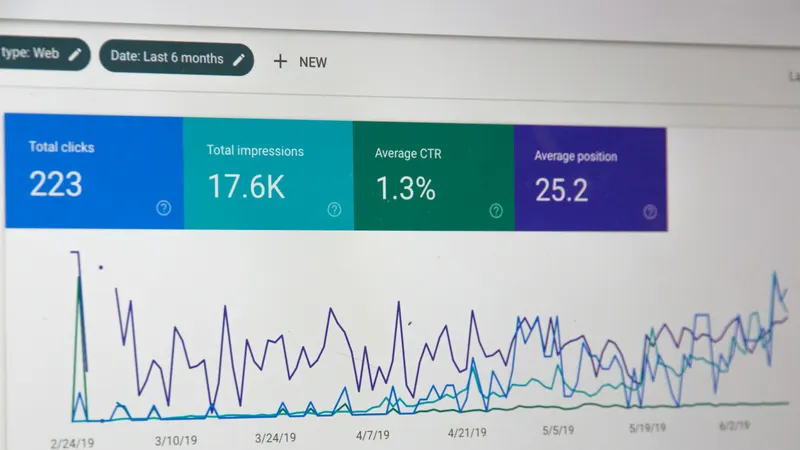
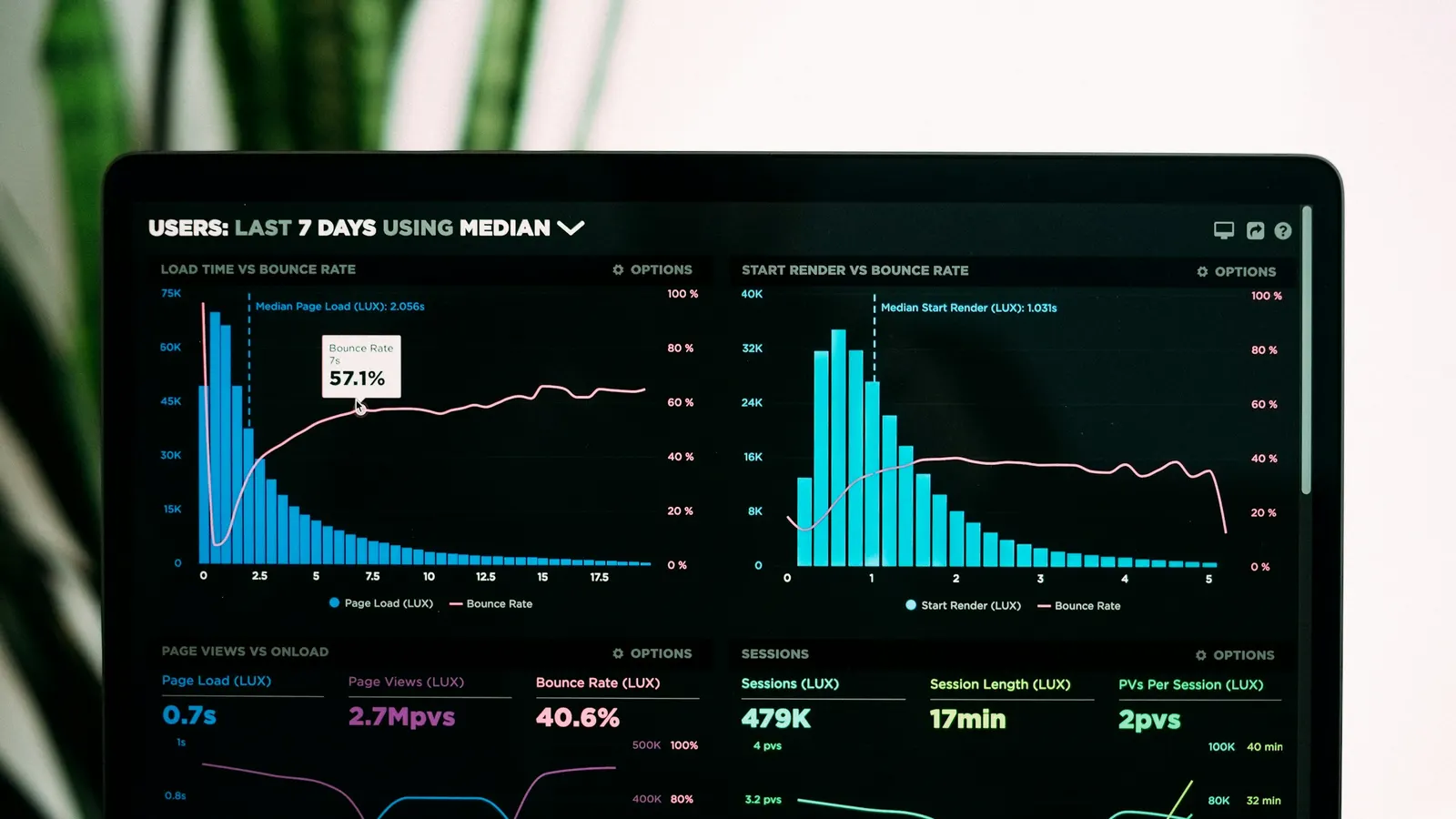
- Post analytics. Views for every post, and the products readers click through to from it, so you can see which posts send readers to your products. No cookies and no visitor identifiers. Post analytics.
- The tag manager. Rename, merge or delete a tag across every post at once, drafts included, and find the posts with no tags. A preview before anything changes, and a 24-hour undo. Bulk tag manager.
- Breadcrumbs and structured data. Blog › Tag › Post on every post, and Article, breadcrumb and FAQ markup, each one yours to switch on. Structured data.
- Search suggestions as readers type, on top of search as you type.
- Setup, done for you. Ask from the app and we place the filter and the article blocks on your theme, match them to its colours and type, and switch on what you want. It's part of Pro at no extra cost. Setup help.
The price
Unchanged. Pro is still $9.99 a month or $99 a year with everything above, Plus is $7.99, and Free stays free. There's a comparison with the other blog filter apps in the best Shopify blog filter apps.
Getting started
Open the app and you'll find three new pages in the menu: Article pages, SEO and Tag manager. Turn on the Blog SEO & stats app embed once (there's a button on Article pages), add the blocks you want with Add to theme, and you're done. On Pro, you can hand all of that to us from Setup help instead. The full list of plans is on the pricing page, and every change is on the changelog.
If anything doesn't work the way this post describes, get in touch. Messages come straight to me.
Frequently asked questions
Is the Related posts block really free?
Yes. Related posts and load more or infinite scroll are on the free plan, alongside the tag filter on every blog with every tag. There's no time limit and no card required.
What does Filter My Blog Plus add now?
Plus adds a title, meta description and intro for every tag page, reading time and a table of contents on posts, a sort menu for newest, oldest or most popular, plus blog search, multi-select and your own wording. It's $7.99 a month with a 7-day trial.
What does Pro show about each post?
Views for every post and the products readers click through to from it, over the period you choose. Nothing about the reader is stored: no cookie, no identifier, only a count per post per day.
Will you install the filter for me?
On Pro, yes, at no extra cost. Request it from the Setup help page in the app and we'll place the filter and blocks on your theme and match them to its look. It's offered during setup too.
Do the new features need extra permissions?
Only the ones that write to your store, and only when you turn them on: the app asks on the screen where you switch the feature on. A shop that uses just the filter bar still grants read-only access to its blogs and nothing else.